 Free forever
 Never uploaded
 No sign-up
Photoshop Is Overkill
Powerful tools are great when you need them. Not when you just want a transparent image.
Drop a photo and get a clean, transparent PNG. 100% free, full resolution, and your images never leave your device.

 Removing background…
Processing on your device. Nothing is uploaded.
Removing background…
Processing on your device. Nothing is uploaded.
 Something Went Wrong
We couldn't process that image.






You shouldn’t need Photoshop, an account or a subscription to cut out a photo.
Powerful tools are great when you need them. Not when you just want a transparent image.
Your images end up on someone else’s server. We think personal photos should stay personal.
Free until you want the full-size image. Here, every download is free and full resolution.
It really is this simple.

Drag a photo in, upload it, or paste it from your clipboard.
An AI model running in your browser finds the subject and removes everything else.

Save a transparent PNG, or add a white, coloured or custom background first.
Fast, focused tools for turning photos into clean, transparent images.

No brushes, no selections, no editing skills. Drop a photo and the background is gone.

Drop hundreds of images or a folder, then download them all as one ZIP. Open bulk remover
Designed to keep fine details around hair, fur and complex shapes.
Download at the original size as PNG, WebP or JPG. No credits, no watermark.
Uses your graphics card when available. No upload queue, no waiting for a server.
Drag the handle to compare. The subject stays,
everything else goes.
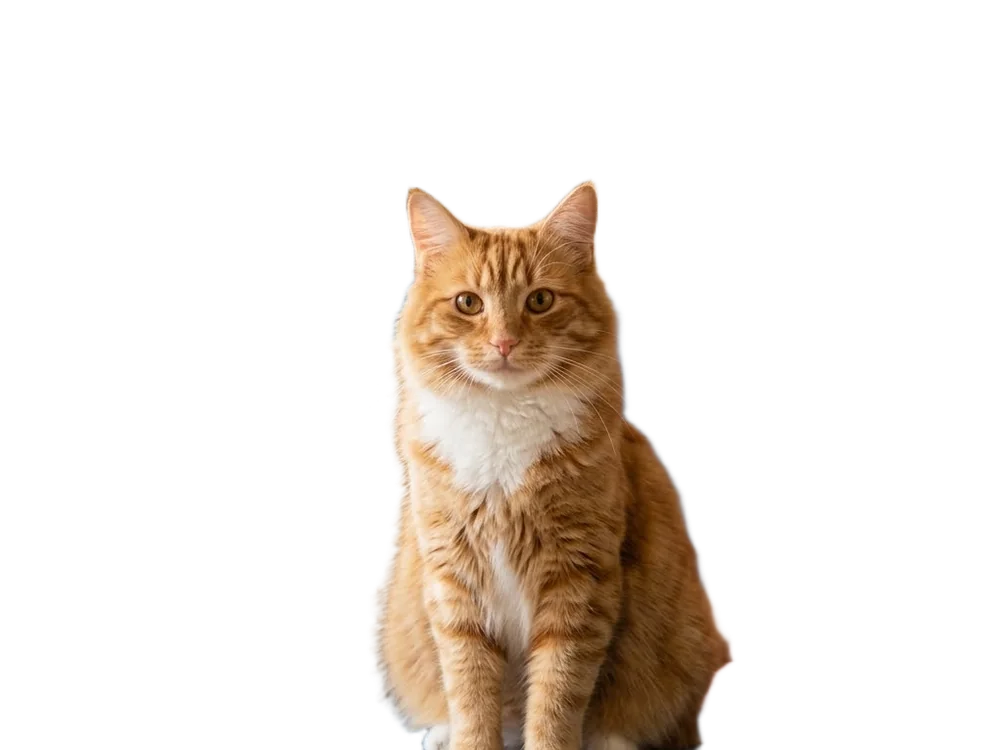
Switch between people, products, pets and objects to see exactly what stays and what goes.
Swap in white, black or any colour for product photos, profile pictures and social posts.
A transparent PNG at full size, ready for slides, stores and social posts.
Most background removers upload your image to a server. erasebackground.org does all the work inside your browser.

The AI runs locally, using your graphics card when it can.

Your images are never sent to us or kept anywhere. Close the tab and they’re gone.

Copied an image? Paste it straight onto the page to remove its background.
 Your browser
No server in between
The AI model downloads once (about 100 MB) and is reused, so later images are faster.
Choose the format you need, or grab a whole batch at once with the bulk remover.
Clean, consistent product photos for your store.

Profile pictures and posts that stand out.
Prepare cut-out assets in seconds, not minutes.

Remove backgrounds from thumbnails and content.
Clean listings that look professional.
Images that sit cleanly on any slide.
| Feature | erasebackground.org | Photoshop | Typical online tools |
|---|---|---|---|
| Free | — | Often limited | |
| No sign-up | — | Depends | |
| Photos stay on your device | — | ||
| Full-resolution download | Often paid | ||
| Bulk processing | Often paid | ||
| One-click, no editing skills | — |
Yes. Removing backgrounds is completely free, with no sign-up, no credits and no watermark, including full-resolution downloads and the bulk remover.
No. Your images are processed by an AI model running inside your browser. They are never uploaded to our servers or stored anywhere.
The first time, your browser downloads the AI model (about 100 MB). It’s cached afterwards, so the next images start right away.
You can use JPG, PNG and WebP images, and download as PNG, WebP or JPG. PNG and WebP keep the background transparent.
Yes. The bulk remover handles many images or a whole folder and lets you download everything as one ZIP.
Recent versions of Chrome, Edge, Safari and Firefox. It’s fastest on a computer with a graphics card; phones work but can be slower with large photos.
Yes. We place no restrictions on the images you download. You just need the rights to the original photo.
More questions? Read the full FAQ or get in touch.

Free, private and instant.
Right in your browser.
Free · No sign-up · Images never leave your device