 No limits
 Never uploaded
1. Add Your Images
Drop a folder, pick files, or paste images. Add more at any time while it’s working.
Drop a batch of photos or a whole folder. It’s all processed in your browser, then download everything as one ZIP.
Processing on your device. Keep this tab open until it’s done.
Drop a folder, pick files, or paste images. Add more at any time while it’s working.
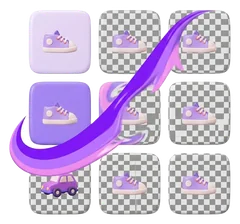
Each image is processed one after another on your device, with live progress.
Pick a background and format, then download everything at once or image by image.
No credits or per-image fees, however many photos you have.
Hundreds of photos, zero uploads. Everything stays on your device.
Every image is exported at its original size.
Transparent, white, black or any colour, applied to the whole batch.
Consistent product shots for stores and marketplaces.
Runs on your graphics card when available for faster batches.
There’s no fixed limit. Images are processed one at a time on your device, so very large batches simply take longer. For hundreds of high-resolution photos, a computer with plenty of memory works best.
Usually a few seconds per image with a graphics card, and longer on the CPU. The first image also waits for the one-time AI model download.
Yes, but keep the tab open. Some browsers slow down background tabs, so processing may be quicker if the tab stays visible.
No. Everything happens in your browser. The ZIP is created on your device too.

Free, private and instant.
Right in your browser.
Free · No sign-up · Images never leave your device